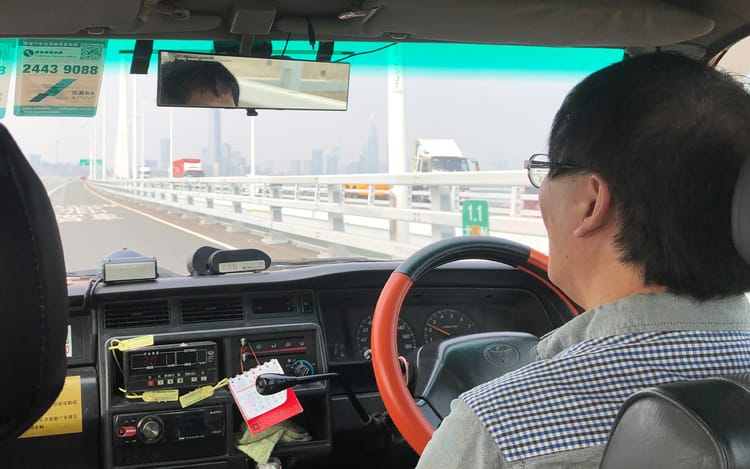
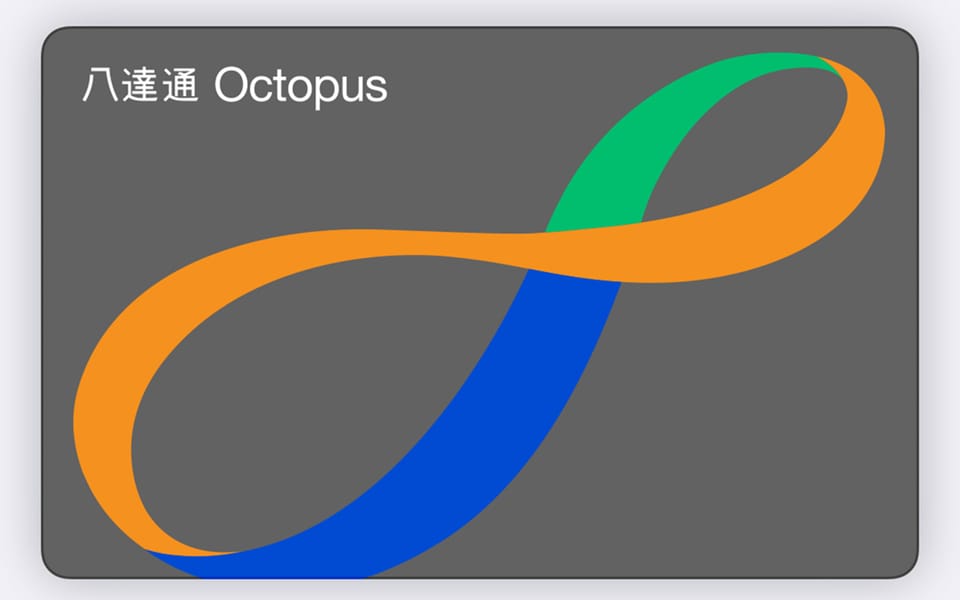
In Hong Kong, you need cash. Or this.
I once crossed into Hong Kong with exactly three things: my passport, my phone, and a single HKD 10 coin.
I was in downtown Shenzhen when a friend called. He needed my help in Hong Kong, immediately. I left everything behind. No bag. No Octopus. No cash. Just moved.
I rushed to Shenzhen Bay, crossed the border, and walked straight to the taxi area.
Then reality hit. No cash. No ATM. No Uber pickup there. And the taxi line was not interested in my pile of credit cards. It was basically cash for taxis or Octopus for buses. I had neither.
So I got stranded. Literally.
The only reason I did not lose an hour was that HKD 10 coin I found in the pocket. It was enough to jump on a random bus, ride a few stops, and get to a place where Uber actually worked. From there, I got into the city, met my friend, and finally found an ATM.
And Hong Kong taught me the same lesson again, in restaurants. A bunch of places still do not care about your shiny credit card. They want cash or Octopus. If you do not have either, you are back to doing logistics instead of doing your job.
Here is the punchline:
If you are coming to Hong Kong, install the official Octopus App for Tourists before you arrive and create a Mobile Octopus. It lets you add an Octopus to your phone and top up with a credit/debit card.
Even better: if you already have a physical Octopus, you can transfer it to your phone and carry the balance digitally.
Since I did that, Hong Kong became frictionless again:
- Tap to enter MTR (subway)
- Tap to pay in small shops.
- Top up anytime.
- Works fully offline (I even used it to pay on the plane to Hong Kong)
- Stop hunting for cash.
Practical checklist (do this once):
- Download the Octopus App for Tourists. Don't download the regular Octopus app though, it requires a Hong Kong resident ID
- Create a Mobile Octopus (or transfer your physical one)
- Add value using your credit/debit card (ApplePay only for iPhones, not sure about Android though)
- Keep a cash backup anyway (just in case)
Treat this like travel insurance for your calendar. One install. Zero payment drama.